


Type OFF A Path


One of my favorite little text tricks is how you can load an entire story into your cursor by clicking on the in port of the first text frame. You can then link to an existing frame (making it the new first frame in the story), draw a new first frame, or delete all the old frames and draw an entirely new home for the text. Pretty cool.
It’s even cooler that it works with type on a path too.
Say you want to remove the text from this path and put it into a new text frame.

Select the path with the Selection tool.
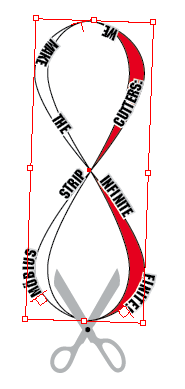
Click the path’s text in port.
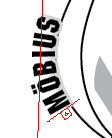
Click and drag to draw a new frame.

At this point, the new frame is linked to the old path. To sever that link, click the new frame’s text out port, then click inside the frame (telling InDesign “this is the end”).
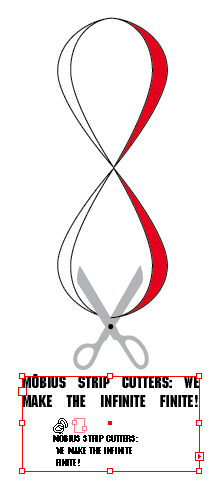
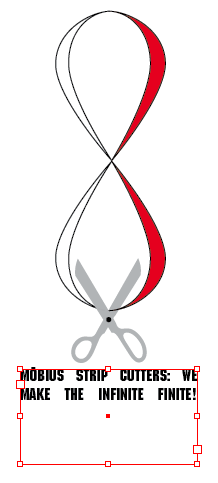
Could you just cut and paste the text from the path to the frame? Sure, but where’s the fun in that? ;)
 |
WOW! Phenomenal tip, Mike. Thanks so much! I can’t wait to use this in my projects.